


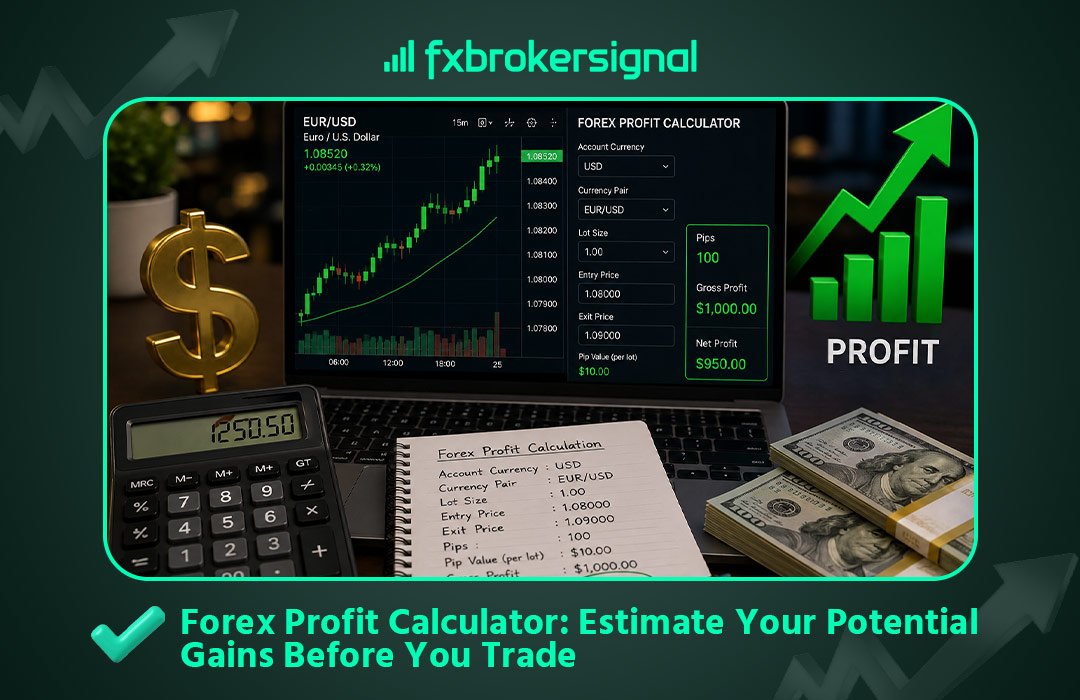
Before you open a trade, you should already know two numbers: how much you stand to lose if it goes wrong, and how much you stand to gain if it goes right. Most traders calculate the first and skip the second — which means they’re entering positions without actually knowing whether the reward justifies the risk.
A forex profit calculator answers the second question instantly. In this guide, we’ll cover how profit is actually calculated in forex trading, why it’s not as simple as “price moved up, so I made money,” and how to get an exact figure before you ever place a trade using the free Forex Profit Calculator on FX Broker Signal.
What determines your forex profit?
Your profit or loss on a forex trade depends on four things:
- The currency pair or instrument you traded
- Your trade direction — buy (long) or sell (short)
- Your entry and exit price
- Your position size (lot size)
Change any one of these and your profit changes. This is why two traders can take the exact same signal — same entry, same exit — and end up with completely different dollar outcomes, simply because they used different lot sizes.
The forex profit formula
At its core, the formula looks like this:
Profit/Loss = (Exit Price − Entry Price) × Lot Size (in units) × Direction
Where direction is +1 for a buy trade and −1 for a sell trade (so that a price drop on a sell trade produces a positive profit, and a price drop on a buy trade produces a loss).
Worked example: a buy trade
You buy 1 standard lot (100,000 units) of EUR/USD at 1.0850. The price rises to 1.0900 and you close the trade.
Price movement = 1.0900 − 1.0850 = 0.0050 (50 pips)
Profit = 0.0050 × 100,000 = $500
Worked example: a sell trade
You sell 0.5 lots (50,000 units) of GBP/USD at 1.2700. The price falls to 1.2650 and you close.
Price movement = 1.2700 − 1.2650 = 0.0050 (50 pips)
Profit = 0.0050 × 50,000 = $250
In both cases, the underlying math is simple — but it gets more complex fast once you introduce different account currencies, gold and metals (which use different contract sizes), or partial lot sizes like 0.23 or 0.07. Doing this mental math under the pressure of a live, moving trade is where most manual estimates go wrong.
Why estimating profit before you enter matters
Calculating profit after a trade closes is just bookkeeping. The real value of a profit calculator is using it before you enter — to evaluate whether a setup is actually worth taking.
This is where risk-to-reward comes in. If your stop-loss risks $50 but your take-profit only targets $40 in potential gain, that’s a trade with a negative risk-to-reward ratio — even if the signal itself is technically sound. Professional traders consistently look for setups where the potential reward outweighs the risk, and you can only know that by calculating both sides before you click buy or sell.
Use the FX Broker Signal Profit Calculator
Instead of running this math manually every time a new setup appears, use the dedicated Profit Calculator tab on our Calculator page.
Here’s how to use it:
- Go to the Calculator tool and make sure you’re on the Profit Calculator tab
- Select the currency or instrument pair you’re looking to trade — forex pairs, gold, silver, oil, indices, and crypto are all supported
- Enter your account currency
- Enter your trade volume (lot size)
- Choose Buy or Sell as your trade direction
- Enter your open price and your intended close price
- Click Calculate Profit
You’ll get an instant profit/loss figure, accurate for the specific instrument and account currency you selected — no manual conversion needed.
Tip: Run the calculator twice for every signal — once using your stop-loss as the “close price” to see your potential loss, and once using your take-profit as the “close price” to see your potential gain. Comparing the two gives you your risk-to-reward ratio at a glance.
Connecting profit estimates to real signals
Every signal we publish in our Live Signals feed includes a clear entry, a single take-profit, and a single stop-loss. That structure — full position, no partial closes — is exactly what the profit calculator is designed for: one entry, one exit, one clean number.
Here’s a typical workflow for Premium or Gold VIP members:
- A signal arrives via Telegram with entry, TP, and SL levels
- You plug the entry and TP into the Profit Calculator to see your potential gain at your intended lot size
- You plug the entry and SL into the same calculator to see your potential loss
- If the reward justifies the risk and fits your account size, you size the trade correctly using our Lot Size Calculator and enter the position
- If you’re using Telegram Trade Linker (TTL), the trade executes automatically on your MT4/MT5 account based on your pre-set parameters
Common profit calculation mistakes
Forgetting about spread and commission. A profit calculator typically estimates gross profit based on entry and exit price. Your broker’s spread and any commission will reduce your actual net profit slightly — always factor this in, especially on tighter setups.
Using the wrong lot size in the estimate. If you run the calculator with 1.0 lots but actually plan to trade 0.10 lots, your real profit will be a tenth of the estimate. Always match the lot size in the calculator to what you’ll actually trade — ideally the output of your lot size calculation.
Ignoring direction. A common error is calculating a sell trade as if it were a buy. Always double-check that you’ve selected the correct trade direction before reading the result.
Treating estimated profit as guaranteed. A profit calculator shows you what you’d earn if price reaches your target — it doesn’t predict whether it will. Markets can reverse before hitting a take-profit, and stop-losses exist precisely because outcomes aren’t guaranteed.
Frequently asked questions
Does the profit calculator account for spread? Most profit calculators, including ours, calculate gross profit based on your entry and exit price. Your broker’s spread is applied separately at execution, so your actual net profit will typically be marginally lower than the calculator’s estimate — factor in a few pips of buffer on tighter setups.
Can I use the profit calculator for a trade I’ve already closed? Yes — simply enter your actual entry and exit price to see exactly what you earned or lost. This is also useful for reviewing past trades and understanding which setups produced your best risk-adjusted returns.
What’s the difference between the profit calculator and the risk calculator? The profit calculator tells you what you’d gain or lose at a specific price point. The risk calculator works backward from your risk tolerance to tell you the correct lot size to use in the first place. Most traders use both together — risk calculator to size the trade, profit calculator to evaluate the reward.
Final thoughts
Knowing your potential profit before you enter a trade isn’t just a nice-to-have — it’s what separates a structured, risk-aware approach from gambling on price direction. Use the free Profit Calculator on FX Broker Signal on every setup, compare your potential gain against your potential loss, and only take trades where the math genuinely favors you.
Combine it with signals from our Live Signals page for a complete, numbers-first approach to every trade you take.

